Dynamic DNS for Homelab Remote Access
Most home internet connections have dynamic IP addresses — your ISP assigns a new address periodically. Dynamic DNS (DDNS) solves the problem of accessing your homelab remotely by automatically updating a DNS record whenever your IP changes. Your homelab is reachable at home.yourdomain.com even as the underlying IP changes.
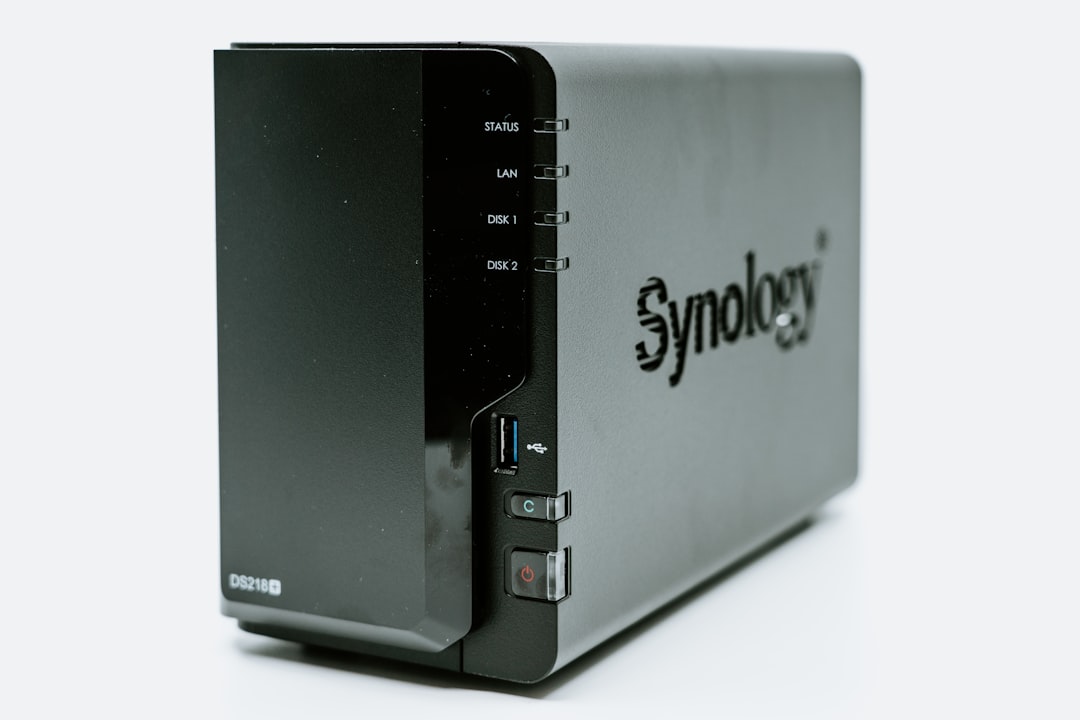
Photo by Claudio Schwarz on Unsplash
How DDNS Works
- You register a hostname (e.g.,
home.yourdomain.comormyhomelab.duckdns.org) - A client on your home network periodically checks your public IP
- When the IP changes, the client updates the DNS record
- Traffic to your hostname routes to your current IP
The check interval determines how long your hostname might point to the old IP after a change. Every 5 minutes is typical for most home setups.
Option 1: Cloudflare DDNS (Recommended for Custom Domains)
If you already use Cloudflare for DNS:
Script to update Cloudflare DNS record:
#!/bin/bash
# /usr/local/bin/cloudflare-ddns.sh

ZONE_ID="your-cloudflare-zone-id"
RECORD_NAME="home.yourdomain.com"
API_TOKEN="your-cloudflare-api-token"

# Get current public IP
CURRENT_IP=$(curl -s https://api.ipify.org)

# Get the current DNS record
RECORD=$(curl -s \
  "https://api.cloudflare.com/client/v4/zones/${ZONE_ID}/dns_records?type=A&name=${RECORD_NAME}" \
  -H "Authorization: Bearer ${API_TOKEN}")

RECORD_ID=$(echo "$RECORD" | python3 -c "import sys,json; data=json.load(sys.stdin); print(data['result'][0]['id'])" 2>/dev/null)
CURRENT_RECORD_IP=$(echo "$RECORD" | python3 -c "import sys,json; data=json.load(sys.stdin); print(data['result'][0]['content'])" 2>/dev/null)

# Update if IP has changed
if [ "$CURRENT_IP" != "$CURRENT_RECORD_IP" ]; then
  echo "$(date): IP changed from $CURRENT_RECORD_IP to $CURRENT_IP. Updating..."
  curl -s -X PATCH \
    "https://api.cloudflare.com/client/v4/zones/${ZONE_ID}/dns_records/${RECORD_ID}" \
    -H "Authorization: Bearer ${API_TOKEN}" \
    -H "Content-Type: application/json" \
    --data "{\"type\":\"A\",\"name\":\"${RECORD_NAME}\",\"content\":\"${CURRENT_IP}\",\"ttl\":120,\"proxied\":false}"
fi
Run every 5 minutes via cron:
*/5 * * * * /usr/local/bin/cloudflare-ddns.sh >> /var/log/ddns.log 2>&1
Docker alternative (easier to manage):
services:
  cloudflare-ddns:
    image: oznu/cloudflare-ddns:latest
    restart: always
    environment:
      API_KEY: your-cloudflare-api-token
      ZONE: yourdomain.com
      SUBDOMAIN: home
      PROXIED: "false"
Create a Cloudflare API token with "Zone:DNS:Edit" permission scoped to your zone.
Option 2: DuckDNS (Free, No Domain Required)
DuckDNS offers free *.duckdns.org subdomains with simple API updates:
- Go to duckdns.org, log in with Google/GitHub
- Create a subdomain:
yourhomelab.duckdns.org - Copy your token
Update script:
#!/bin/bash
# /usr/local/bin/duckdns-ddns.sh

DOMAIN="yourhomelab"
TOKEN="your-duckdns-token"

curl -s "https://www.duckdns.org/update?domains=${DOMAIN}&token=${TOKEN}&ip=" >> /var/log/duckdns.log 2>&1
DuckDNS auto-detects your IP when the ip= parameter is empty.
Docker:
services:
  duckdns:
    image: lscr.io/linuxserver/duckdns:latest
    environment:
      PUID: 1000
      PGID: 1000
      TZ: America/Los_Angeles
      SUBDOMAINS: yourhomelab
      TOKEN: your-duckdns-token
    restart: unless-stopped
Option 3: ddclient (Universal DDNS Client)
ddclient supports dozens of DDNS providers (DynDNS, No-IP, DuckDNS, Cloudflare, Namecheap, and many more):
sudo apt install ddclient
/etc/ddclient.conf:
# For DuckDNS
protocol=duckdns
login=yourhomelab
password=your-duckdns-token
yourhomelab.duckdns.org

# For Cloudflare
protocol=cloudflare
zone=yourdomain.com
[email protected]
password=your-api-token
ttl=1
home.yourdomain.com
sudo systemctl enable ddclient
sudo systemctl start ddclient
Getting Your Zone ID and API Token (Cloudflare)
Zone ID: Cloudflare Dashboard → select your domain → Overview → right sidebar → Zone ID
API Token: Cloudflare Dashboard → My Profile → API Tokens → Create Token
- Use "Edit zone DNS" template
- Zone Resources: Include → Specific zone → your domain
- Copy the generated token
Setting TTL Low
When using DDNS, set a low TTL (60-300 seconds) on the DNS record. This determines how long cached records remain valid — lower TTL means faster propagation of IP changes, but more DNS queries.
Cloudflare's minimum TTL for free accounts is 120 seconds. That's acceptable for most homelab use.
Handling IPv6
If your ISP provides IPv6 (increasingly common), you can add an AAAA record alongside the A record. The Cloudflare DDNS script can be adapted:
# Get IPv6 address
CURRENT_IPV6=$(curl -s https://api6.ipify.org)
# Then update AAAA record the same way
Combining with Reverse Proxy
The typical homelab setup:
- DDNS points
home.yourdomain.comto your public IP - Port 443 (HTTPS) forwarded to your reverse proxy (Nginx Proxy Manager, Caddy, Traefik)
- Reverse proxy routes to internal services based on subdomain
This lets you access paperless.home.yourdomain.com, gitea.home.yourdomain.com, etc. all through one port with HTTPS.
Security Note
Exposing your homelab to the internet via DDNS requires careful security:
- Use HTTPS for all services (Let's Encrypt via reverse proxy)
- Put sensitive services behind Authelia or Authentik (SSO)
- Keep port exposure minimal (only 80/443)
- Monitor your reverse proxy logs for unusual access
- Consider Cloudflare Tunnels as an alternative that doesn't require opening any ports at home
DDNS with a reverse proxy is a good setup for services you actively use from outside. For highly sensitive services, Tailscale (VPN) is a more secure option that avoids public exposure entirely.