PSU Redundancy for Your Homelab: Why It Matters and How to Set It Up
Most homelab guides cover UPS (uninterruptible power supply) — the battery backup that protects your servers during brief outages. Far fewer discuss PSU redundancy: having two power supplies in the same server so that if one fails, the other takes over without any downtime.
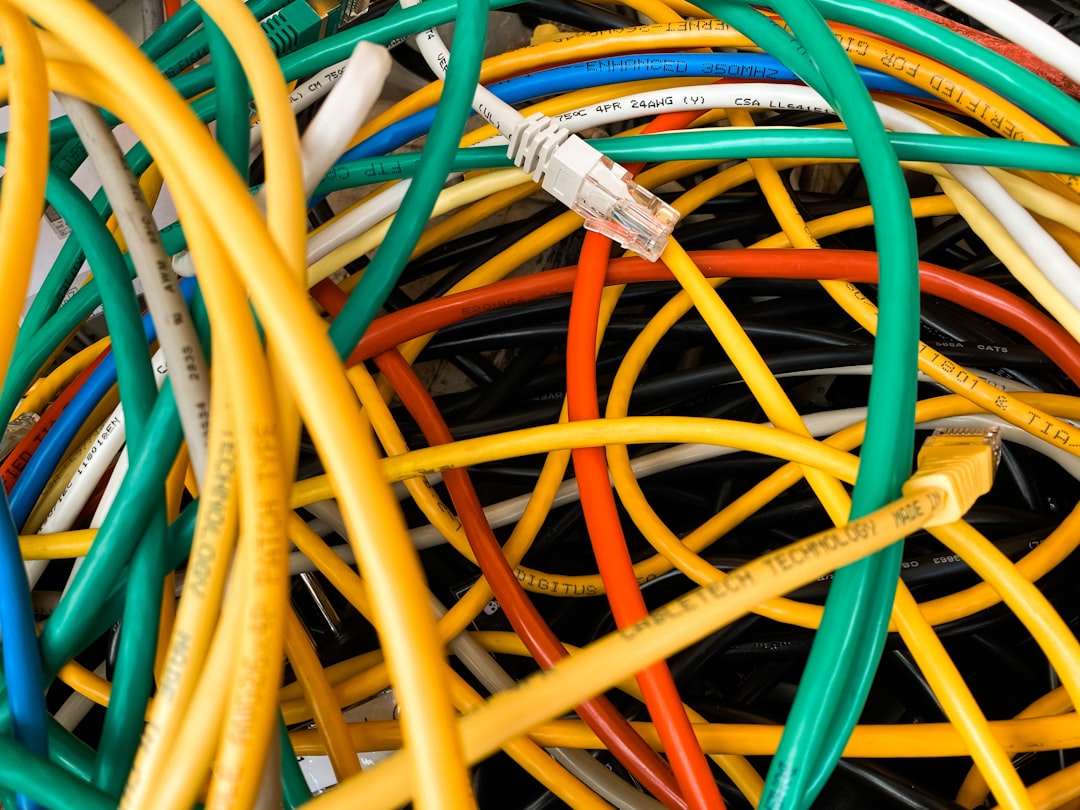
Photo by Jan Antonin Kolar on Unsplash
They solve different problems, and both have a place in a serious homelab setup.
UPS vs. PSU Redundancy: Different Problems
A UPS protects against power outages from outside the server — grid failures, tripped breakers, storms. It buys time to either ride out the outage or gracefully shut down.
A redundant PSU protects against failure inside the server — the power supply unit itself dying. PSUs fail more often than most homelab builders expect, especially under sustained load or after several years of operation. A single PSU failure takes your server offline instantly, with no warning. A redundant PSU means the server keeps running, often without the host machine even logging a critical event, until you notice the failed unit and replace it.
For services where uptime matters — NAS, media server, home automation, self-hosted productivity apps — PSU redundancy is worth understanding.
How Redundant PSUs Work
Most enterprise-grade servers ship with hot-swap redundant PSU bays. Two PSU units are installed, each connected to a different circuit ideally, and the server draws power from both simultaneously (load sharing) or designates one as primary with the other on standby. If one fails, the other immediately carries the full load. The server never loses power.
The failed unit can be physically removed and replaced while the server is running — "hot-swap." No downtime. Many units include an LED indicator and alert via IPMI/BMC to let you know which module failed.
Hardware Options for Homelab
Used Enterprise Servers (Best Option)
The most practical route to PSU redundancy in a homelab is a used enterprise server with redundant PSUs already built in. Dell PowerEdge, HP ProLiant, and Supermicro systems from the previous generation cost $100–$400 used and include dual hot-swap PSUs as standard equipment.
A Dell PowerEdge R720 or HP DL380p Gen8 will give you:
- Dual hot-swap PSU bays (typically 2× 750W or 2× 1100W units)
- Redundant fan modules
- IPMI for out-of-band management
- ECC RAM support
The tradeoff: these servers are loud (65–75 dBA under load), power-hungry (200–400W at idle), and not suitable for a living space without sound insulation. A quiet room, basement, or closet is required.
Desktop/Tower Form Factor Options
For quieter homelab setups, redundant PSU options are more limited. A few paths:
Supermicro tower chassis with redundant PSU support: Supermicro makes several tower/4U chassis that support standard hot-swap PSU modules. The Supermicro SC733TQ-865B is one example — a tower that takes standard 3.5" drives and supports a redundant PSU module.
External power distribution boxes: Some homelab setups use two separate power sources and a static transfer switch (STS) — a device that maintains two live AC inputs and switches instantly to the backup if the primary fails. This is more of a data center pattern but scales down to homelab use.
NAS systems with redundant PSU: Synology enterprise NAS (RS3618xs, RS3621xs) and QNAP enterprise models support redundant PSU modules. If your critical homelab service is your NAS, these are worth considering.
Mini PCs and Consumer Hardware
Unfortunately, mini PCs (N100, Intel NUC, Beelink) don't support PSU redundancy by design. For these systems, a UPS is your only protection. If uptime is truly critical, you need purpose-built hardware.
Want more hardware guides? Get guides like this in your inbox — HomeLab Starter delivers one free deep-dive every week.
Selecting a Replacement PSU Module
If you're buying replacement or additional PSU modules for an existing server:
Match the wattage: Mixing 750W and 1100W modules in the same server is generally not supported and can cause issues. Always match wattage exactly.
Check the connector standard: HP uses proprietary connectors (Flexible Slot PSUs); Dell uses Dell-specific connectors. These are not interchangeable. Buy OEM or OEM-compatible.
Consider efficiency ratings: Look for 80 PLUS Platinum or Titanium. More efficient PSUs waste less power as heat, run cooler, and tend to last longer.
New vs. used: PSU modules bought used carry unknown wear. For a redundant unit that will sit in standby for years, new is worth the extra cost. For load-shared units that both run simultaneously, buying Refurbished from a reputable server parts dealer (ServerMonkey, eBay Power Sellers with high ratings) is reasonable.
Monitoring PSU Health
Knowing that your redundant PSU has failed is as important as having the redundancy in the first place.
IPMI/BMC alerts: Almost all enterprise servers with redundant PSUs have a BMC (baseboard management controller) that monitors PSU status. Configure it to send email or SNMP traps on PSU failure.
Proxmox/TrueNAS: Both read IPMI data and can expose PSU status through their dashboards or via SNMP. Pair with your existing monitoring stack.
Prometheus node_exporter + IPMI exporter:
# Run the ipmitool exporter alongside node_exporter
ipmitool sdr type "Power Supply"
Scrape this with Prometheus and alert via Alertmanager when any PSU sensor reads "Presence Detected: No" or "Power Supply: Failed."
A good alert rule:
- alert: PSUFailed
  expr: ipmi_power_supply_status{state="failed"} == 1
  for: 1m
  annotations:
    summary: "PSU failure on {{ $labels.instance }}"
Practical Recommendation
If you're running services where downtime costs you time, money, or the frustration of family members — and you're not already on enterprise hardware — the quickest path to meaningful reliability improvement is:
- Start with a UPS (if you don't have one) — protects against the most common outage type
- Move critical services to enterprise hardware with built-in PSU redundancy — a used Dell PowerEdge or HP ProLiant is the cost-effective path
- Monitor PSU status via IPMI/Prometheus so you know when a module fails
- Keep a spare PSU module on the shelf — you don't want to be ordering parts while your server runs on a single supply
PSU redundancy won't matter most days. When your power supply dies at 2 AM while your spouse is working remotely, it will matter a lot.